
Features
Every feature. One plugin.
SIForm covers the whole life of a form — building it, filling it in, getting paid, booking the time, sending the right email and following up — without a single add-on.
Builder
Build visually, on a real canvas.
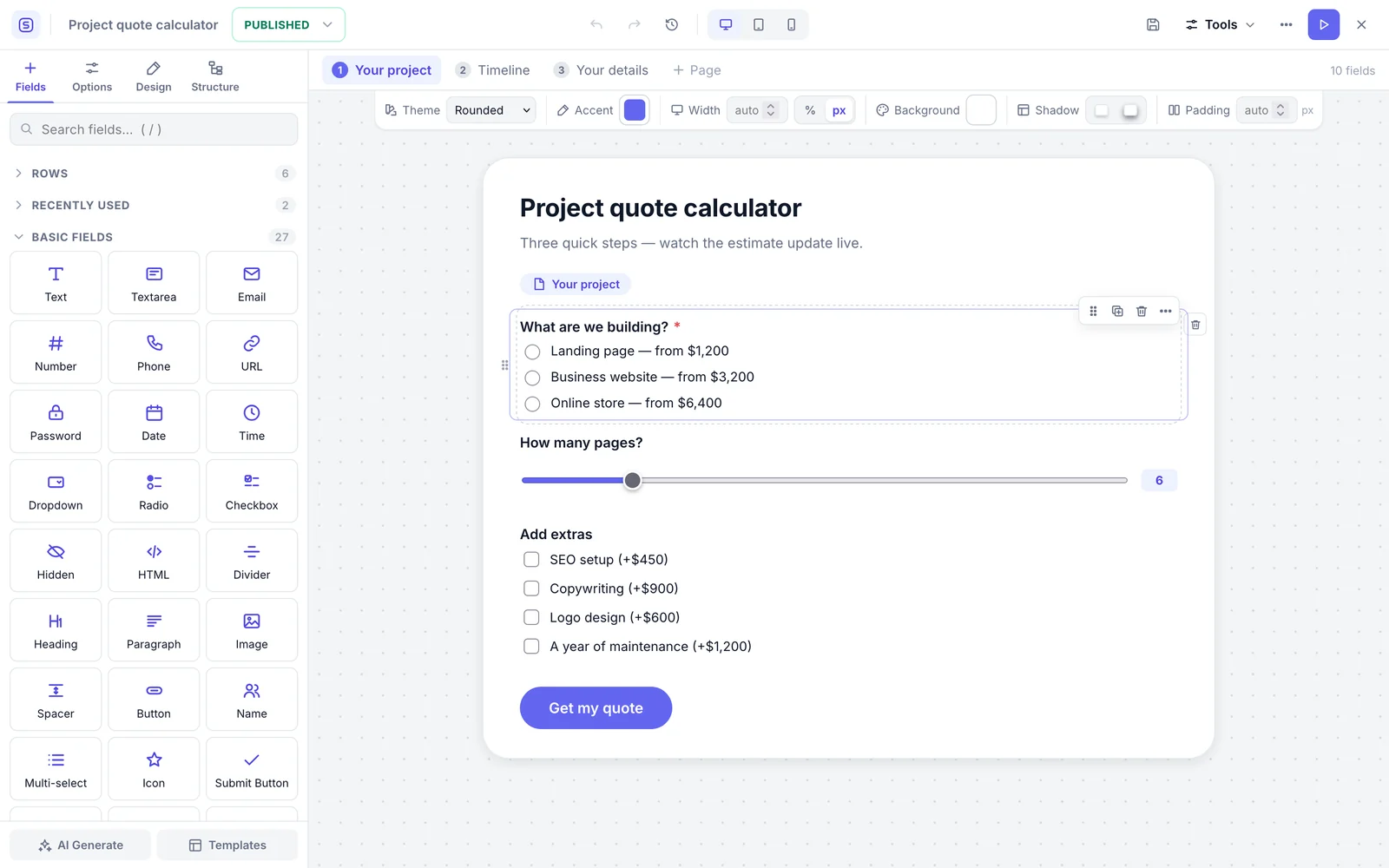
Drag fields into rows and columns, split a form into steps, and see it on desktop, tablet and mobile while you work.
- Rows and columns with drag-and-drop
- Multi-step forms with progress indicators
- Undo, redo and saved versions you can restore
- Live desktop, tablet and mobile preview
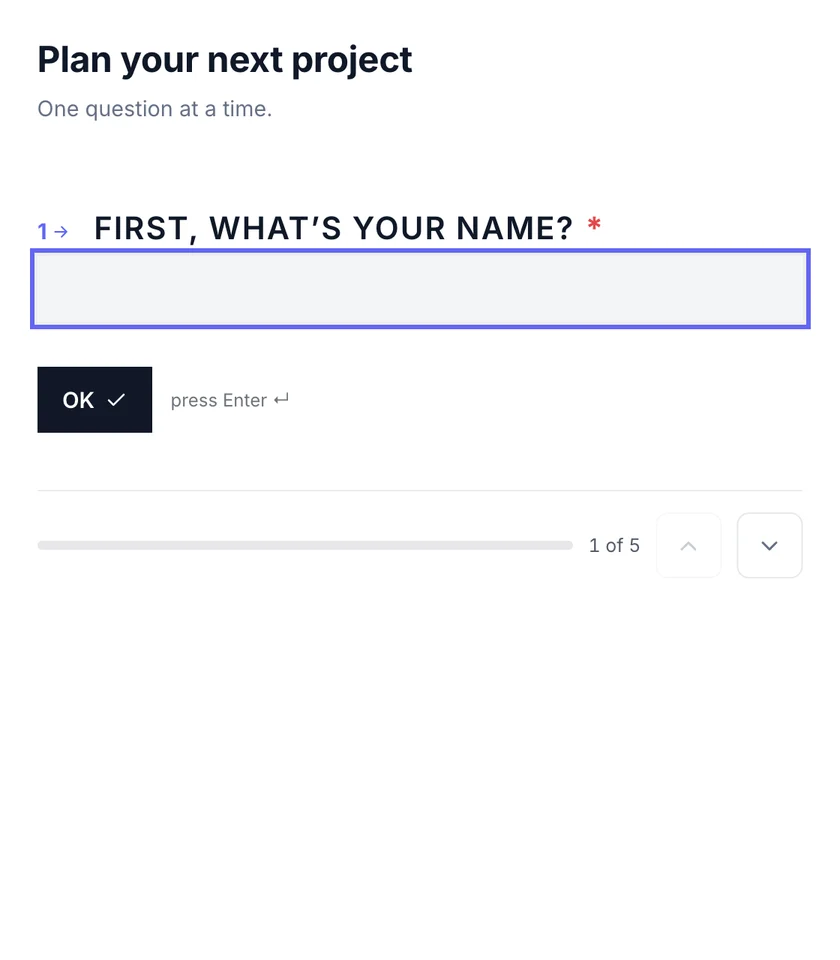
- One question at a time — the same form, as a conversation
- Command palette and keyboard shortcuts
Fields
60 field types, plus 9 advanced.
From a single line of text to products, bookings, maps and signatures. Every field has validation, conditional logic and its own design settings.
- Text
- Textarea
- Number
- Phone
- URL
- Password
- Date
- Time
- Dropdown
- Radio
- Checkbox
- Hidden
- HTML
- Summary
- Divider
- Heading
- Paragraph
- Image
- Spacer
- Name
- Multi-select
- Image choices
- Icon choices
- Number spinner
- Autocomplete
- Tags
- Icon
- Signature
- Rating
- Slider
- Range
- Toggle
- Switch
- File upload
- Image upload
- Color picker
- Rich text
- Code editor
- Map
- Address
- Repeater
- Matrix
- Booking
- Lookup
- Section
- Fieldset
- Product
- WooCommerce product
- Quantity
- Coupon
- Shipping
- Tax
- Subtotal
- Total
- Payment method
- Net Promoter Score
- Likert scale
- CAPTCHA
- GDPR consent
Advanced
- Calculated
- Tabs
- Accordion
- Table
- Cards
- Timeline
- Related records
- Collection
- Multi-signer
Logic & data
Forms that react to every answer.
Show, hide, require or disable fields, steps and the Submit button. Price or score anything with a safe formula engine, and fill fields from the page, the user or another form.
- Conditions with AND / OR groups
- Skip whole steps, or send different emails, by answer
- Calculated fields with live totals
- Pre-fill from the URL, the logged-in user or earlier answers
- Lookups and options pulled from posts, users or another form
show “Rush fee” when Deadline < 14 days
require “Company” when Type = Business
skip step 3 when Plan = Free
({service} + {pages} × 90 + {extras}) × {speed}
= $5,238
Templates & design
112 templates, make them yours.
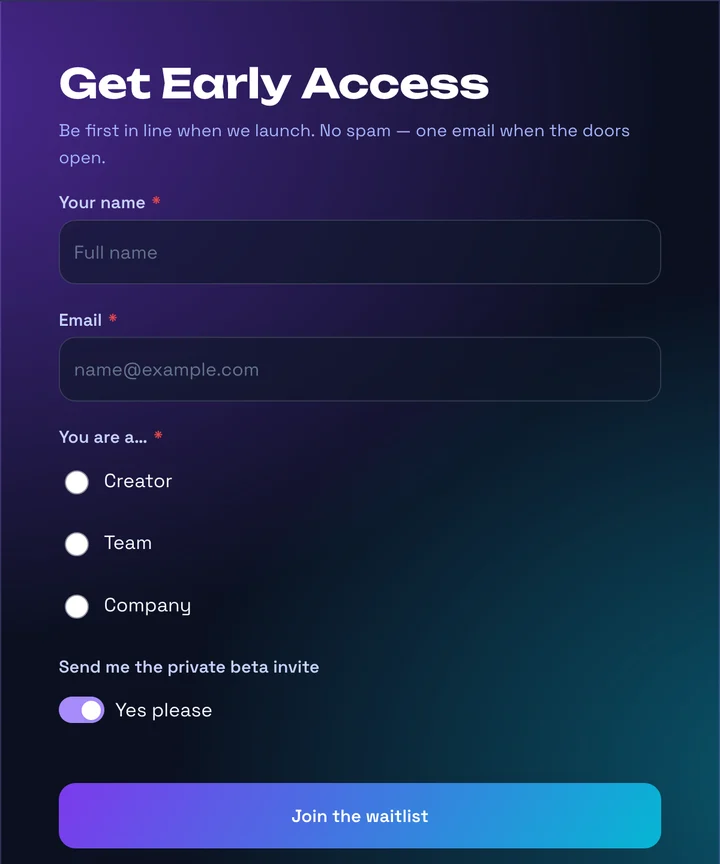
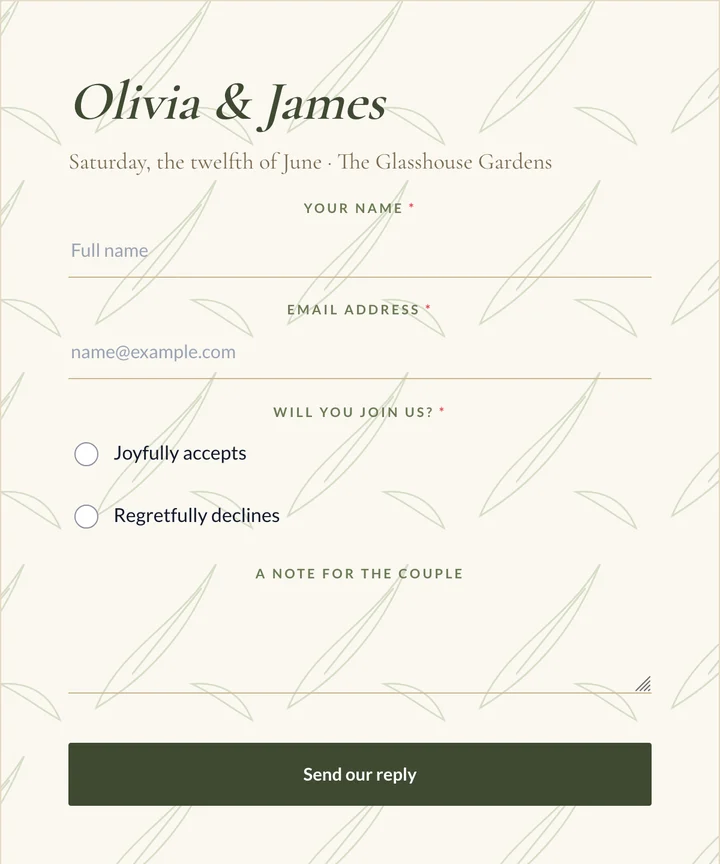
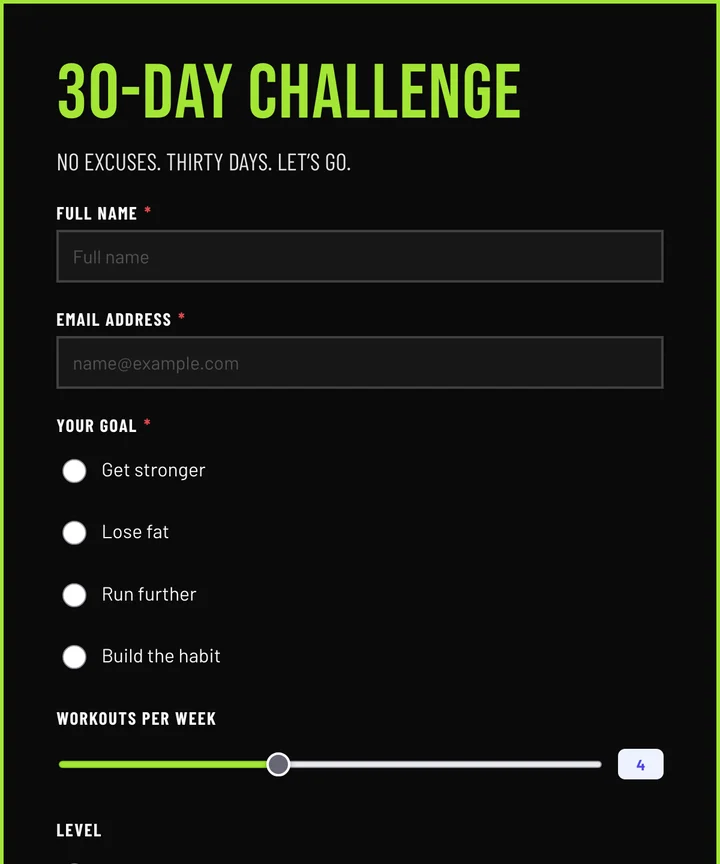
Start from a finished form — fields, logic, emails and confirmation already set up. Then style it with 11 themes, any Google font, background art, gradient buttons and step indicators. No CSS needed.
- 11 design themes as starting points
- A different font for titles, labels and buttons
- Background images, overlays and gradients
- Field shapes, label positions and spacing
- 10 step-indicator styles for multi-step forms
- Fonts downloaded once and served from your own site
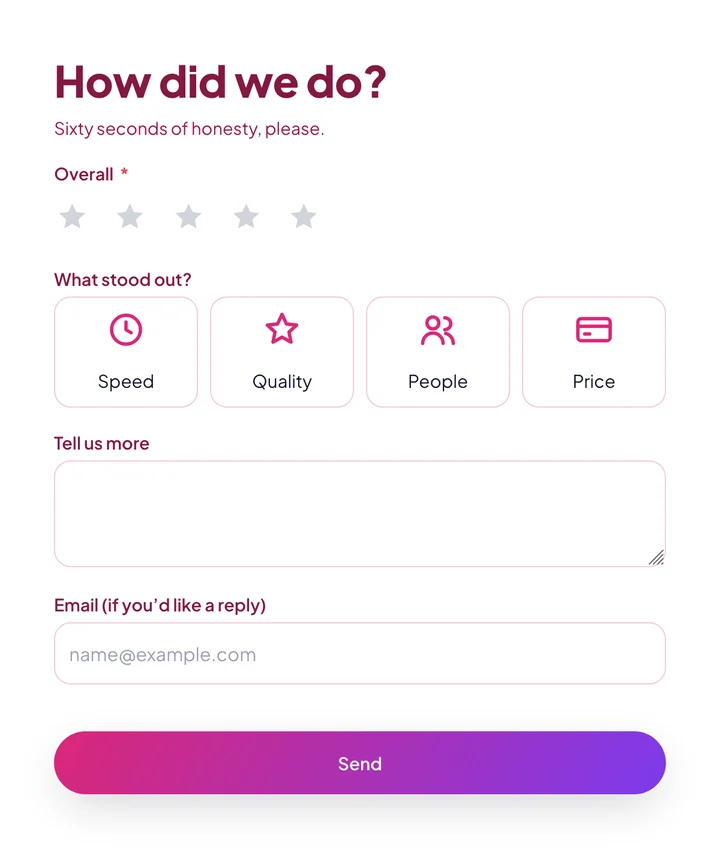
The full catalogue
Designed
12
Midnight Launch Waitlist · Botanical Wedding RSVP · Neon Tournament Sign-up · Editorial Newsletter · Sunset Glass Feedback · Playful Kids Camp Sign-up · Workspace Onboarding Wizard · Café Loyalty Card · Bold Fitness Challenge · Calm Spa Booking · Brutalist Studio Contact · Gradient Checkout
Business & leads
8
Contact Form · Quote Request · Request a Demo · Callback Request · Partnership Inquiry · Press & Media Inquiry · Vendor Registration · Insurance Quote
Sales & payments
7
Order & Payment · Donation · Membership Sign-up · Invoice Payment · Product Pre-order · Restaurant Food Order · WooCommerce Gift Box Builder
Calculators
8
Loan / EMI Calculator · Mortgage Affordability · Cleaning Service Quote · Moving Cost Estimate · Printing Order Quote · BMI & Calorie Calculator · Solar Savings Estimate · Event Budget Planner
Bookings
7
Appointment Booking · Table Reservation · Salon & Spa Booking · Hotel Booking Request · Fitness Class Booking · Test Drive / Car Rental · Photography Session
Events
6
Event Registration · RSVP · Webinar Registration · Conference Tickets · Workshop Booking · Wedding Planning Questionnaire
Conversational
4
Lead Qualification Chat · Customer Onboarding Chat · Restaurant Feedback Chat · Product Finder
Accounts & content
7
User Registration · Login Form · Guest Post Submission · Event Listing Submission · Business Directory Listing · Job Board Posting · Recipe Submission
Approvals & workflows
6
Purchase Request · IT Access Request · Time-off With Approval · Incident Report · Content Approval · Travel Request
HR & recruiting
7
Employee Leave Request · Job Application · Employee Onboarding · Internship Application · Expense Reimbursement · Exit Interview · Performance Self-Review
Education
4
Course Enrolment · School Admission · Scholarship Application · Course Evaluation
Health & care
3
Patient Intake · Wellness Check-in · Pet Adoption Application
Property & services
4
Rental Application · Property Enquiry · Maintenance Request · Building Permit Application
Legal & consent
5
Non-Disclosure Agreement · Photo & Media Release · Liability Waiver · Project Sign-off · Parental Consent
Teams & groups
4
Sports Team Registration · Group Booking · Family Membership · Gift Order (Many Addresses)
Support
5
Support Ticket · Bug Report · Feature Request · Return / Refund Request · Warranty Claim
Research & feedback
5
UX Research Screener · Employee Engagement Survey · 360° Feedback · Website Usability Test · Market Research Survey
Engagement
10
Customer Survey · Newsletter Signup · Poll · Quiz (scored) · Personality Quiz · Giveaway Entry · Testimonial Submission · Volunteer Sign-up · Petition · Prayer Request
Payments
Take payments the safe way.
Sell products, tickets and services, or take donations. Totals are recalculated on the server, and a payment only counts when the gateway confirms it.
- 14 gateways, plus bank transfer, pay offline and a custom gateway
- Products, quantities, coupons, shipping and tax
- Customer-chosen amounts for donations and invoices
- Recurring payments — weekly, monthly, quarterly or yearly
- Refunds, receipts and an orders screen
- Stripe
- PayPal
- Square
- Authorize.Net
- Razorpay
- Mollie
- Paystack
- Flutterwave
- Paddle
- Lemon Squeezy
- GoCardless
- 2Checkout
- Braintree
- Elavon
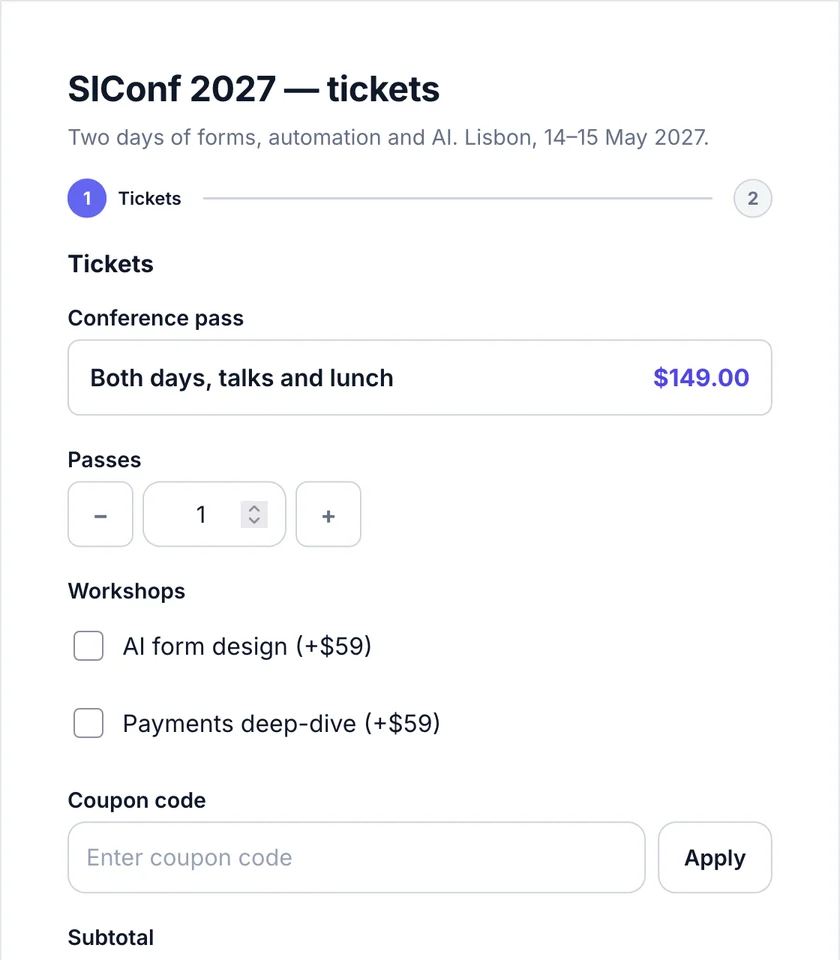
Appointments
Bookings without another plugin.
Set up services with opening hours, then put a Booking field on any form. Visitors see real free times in their own time zone.
- Services with opening hours, buffers and capacity
- A picked slot is held while the visitor finishes
- Reminders, cancellations and rescheduling by email
- Calendar files (.ics) and a link to manage the booking
- Google Calendar, Outlook and Zoom integrations
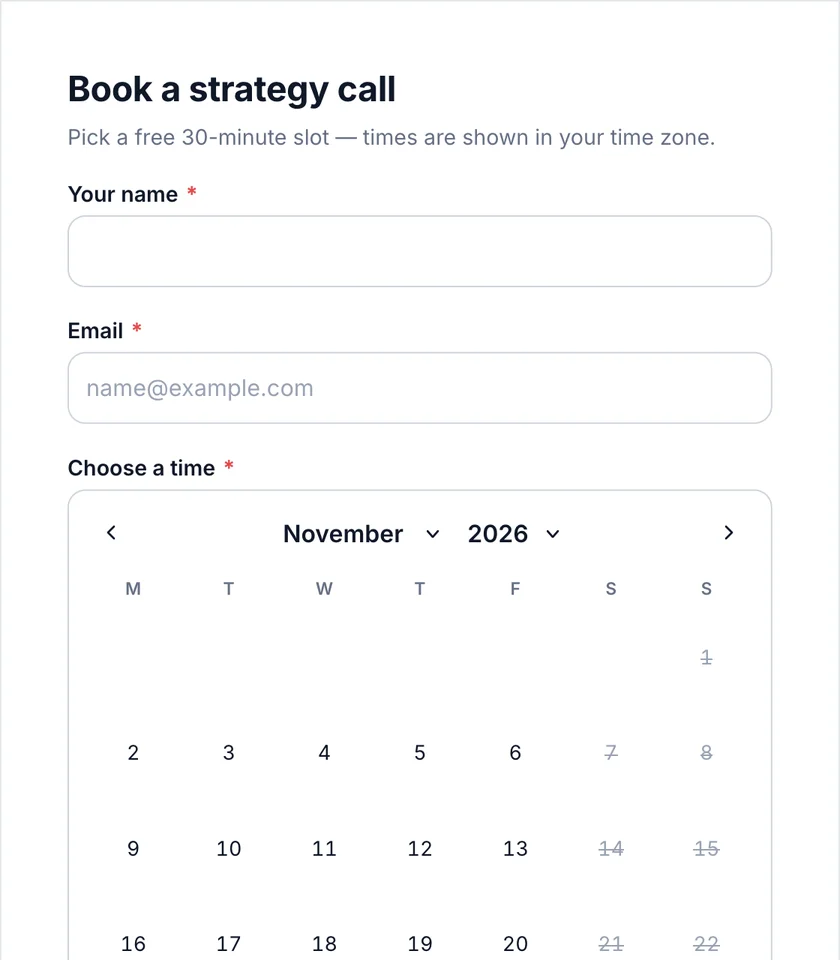
Engagement
Quizzes, polls and friendlier forms.
Turn forms into experiences: score a quiz, run a poll, ask one question at a time, or let people save and come back later.
- Scored quizzes with answers and a leaderboard
- Personality quizzes with outcome pages
- Live polls with results after voting
- Conversational mode, one question per screen
- Save & resume, on any device
- Let people edit their entry later
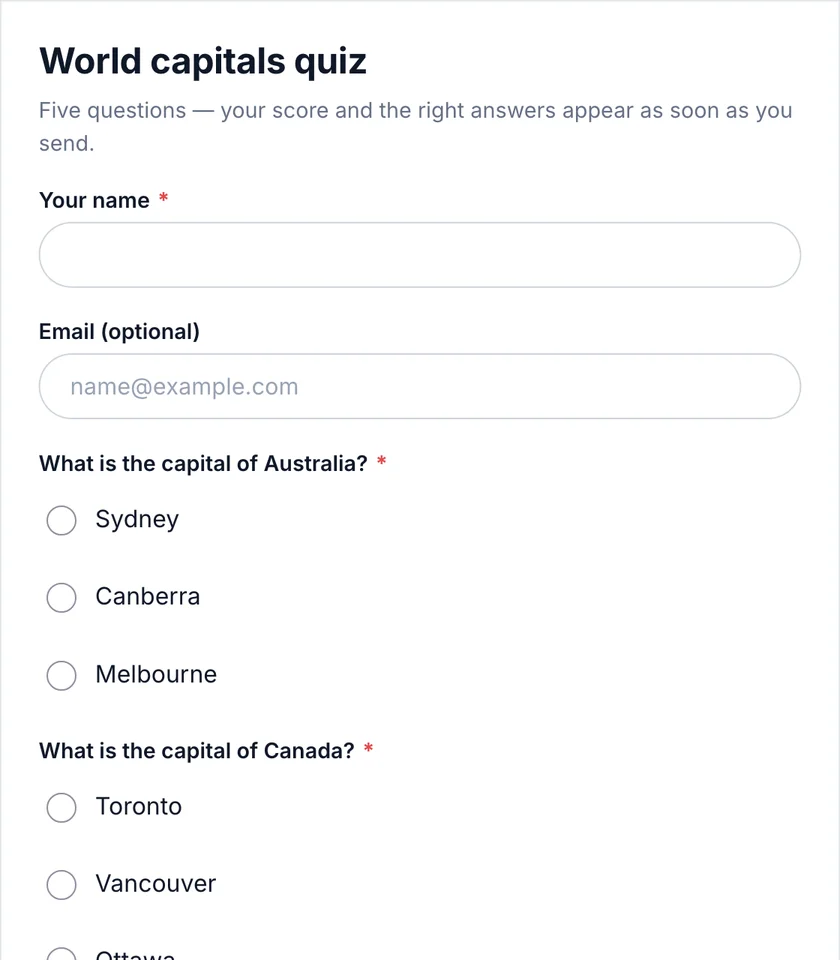
Security & control
Safe by default.
Spam checks are on for every form. Add CAPTCHAs, limits and restrictions when you need them.
Spam protection
Honeypot and timing checks, reCAPTCHA v2/v3, hCaptcha, Cloudflare Turnstile, Akismet, CleanTalk, Stop Forum Spam, disallowed words and country rules.
Access & limits
Require login or a role, protect with a password, open and close on a schedule, and limit entries per email, browser, IP or user.
Accounts & content
Sign-in and registration forms with activation or approval, posts created from entries, and content unlocked after sending.
Privacy & GDPR
Consent fields, encrypted API keys, and personal-data export and erase through WordPress’s privacy tools.
Workflows & integrations
Automate what happens next.
Workflows run on your server after a submission, a payment, a booking change or an edit. Integrations send mapped answers to 67 apps, with a log of every delivery.
- Triggers: submitted, paid, booking confirmed, cancelled or moved, entry edited
- Steps: email, webhook, delay, branch, task, Slack, Discord, SMS
- Approval chains with comments and history
- Retries and a delivery log for every integration
when form submitted
→ email the team
→ post to Slack #new-leads
→ wait 2 days
→ if not booked: send a follow-up
→ add to HubSpot
Email delivery
Email that actually arrives.
A full SMTP suite is built in — no extra mail plugin. Send through your mail service, fall back to a backup connection, and see every message in the log.
- 18 mail services, or any SMTP server
- Backup connection and smart routing
- Email log with resend, and failure alerts
- A visual email designer and merge tags
- Gmail
- Microsoft 365
- SendGrid
- Mailgun
- Brevo
- Amazon SES
- Postmark
- SparkPost
- +10 more
✓ Sent via SendGrid · 10:31
↻ Retried on backup (Mailgun) · 10:32
✓ Delivered · opened 10:40
Entries & analytics
Every answer, organised.
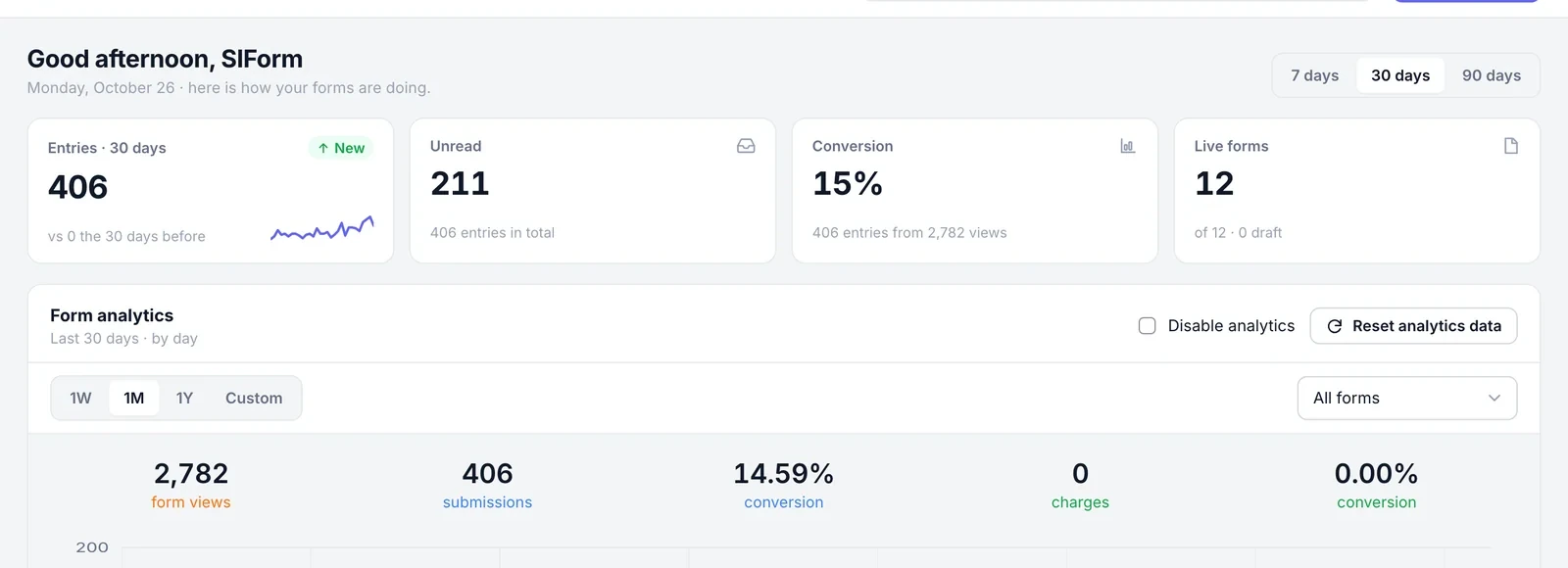
Find, star, annotate and export entries. Watch views, submissions and conversion over time — per form or across the site.
- Search, filters, stars, notes and statuses
- Export to CSV, Excel or PDF
- Scheduled reports by email
- Show entries on your site, or let people edit theirs
- Conversion tracking and offline submissions
Developers & agents
Open to code — and to AI agents.
Everything SIForm does in the admin is available to your code and, if you allow it, to AI assistants.
MCP server
36 tools for AI assistants, with read-only mode, per-tool switches, rate limits and an activity log. Also offered as WordPress Abilities.
REST API
Forms, entries, payments, bookings, workflows and settings — with WordPress permissions.
WP-CLI
List, export and import forms and entries, and test email delivery from the terminal.
Hooks & filters
Change values, add merge tags, veto submissions or add your own modules.
Multilingual
WPML and Polylang for your forms’ text, a translation-ready admin, and right-to-left languages.
White label
Use your own name, menu icon and logo for SIForm on client sites.
Multisite
Network activation, a separate set of forms per site, and network-wide email settings.
Documentation
Setup guides, every feature, and a developer reference.
Seen enough? Try it.
Twelve live demos run on this site — the same plugin you install.